Stop Sharing Passwords
Over Chat. Do It Right.
DBit gives your team a secure, encrypted password vault built directly inside Microsoft Teams — so you never have to paste plain text credentials into a chat message again.
No credit card required • Works inside Microsoft Teams • Free plan available
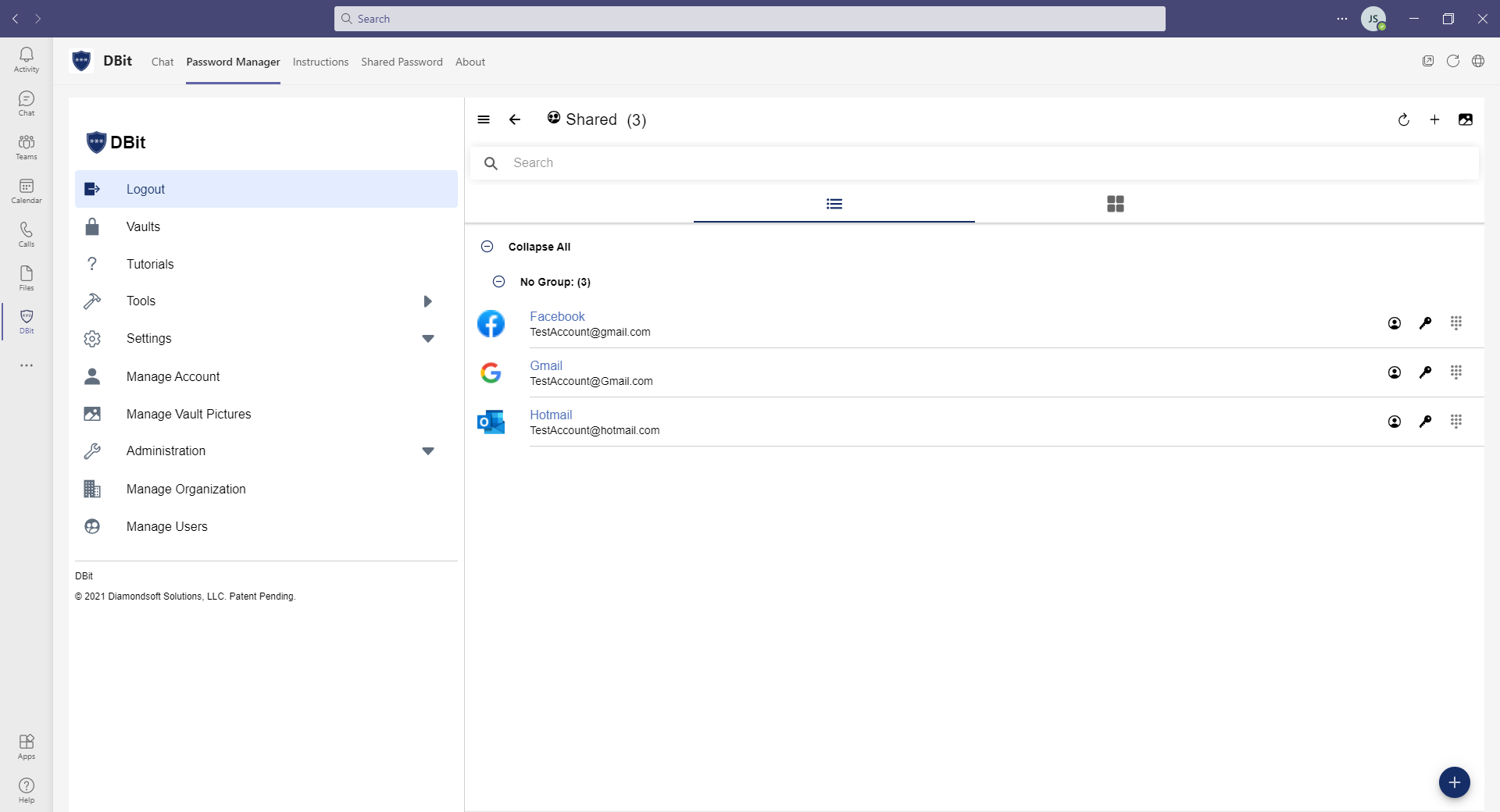
Trusted by businesses worldwide
Why teams choose DBit
Password security doesn't have to be complicated. DBit is designed to protect your business without slowing it down.
Military-Grade Encryption
AES-256 bit encryption protects every password before it ever touches the cloud. Your data stays yours — period.
Secure Team Sharing
Share passwords between team members with permission controls — no plain-text passwords in chat.
Built for Every Team Size
From 5-person startups to 5000+ person enterprises. Shared vaults, group permissions, and SSO scale with you.
Zero Context Switching
DBit lives inside Microsoft Teams. Your team uses it where they already work — no extra tools, no context switching.
The Right Passwords for the Right People
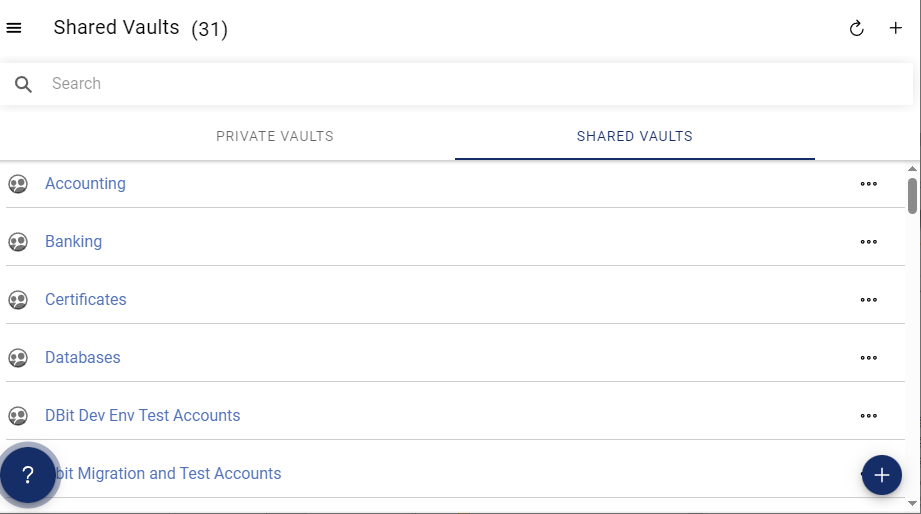
Every user gets a private vault automatically. Share team passwords through shared vaults, with permissions to control who has access to what.
- Private vaults — personal passwords, for your eyes only
- Shared vaults — grant access by team, role, or group
- Pin a shared vault as a tab in any Teams channel or group chat
- Read-only or full-access permission levels per user or group
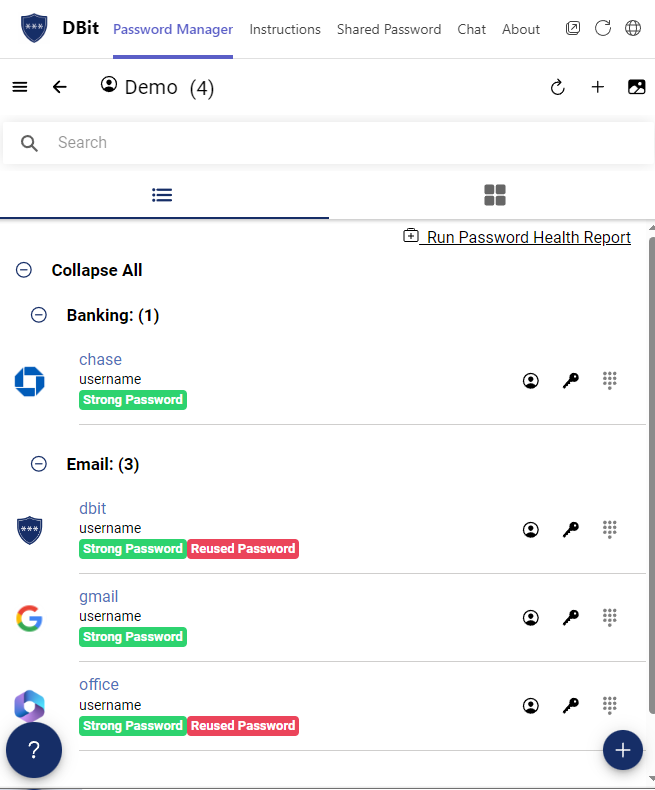
Know Where You Stand Before a Breach Happens
DBit's Password Health Report scans your stored credentials for weak, reused, and compromised passwords — giving you a clear action plan to close security gaps fast.
- Identifies weak and reused passwords across all vaults
- "Have I Been Pwned?" integration checks known breach databases
- Prioritized results so you know what to fix first
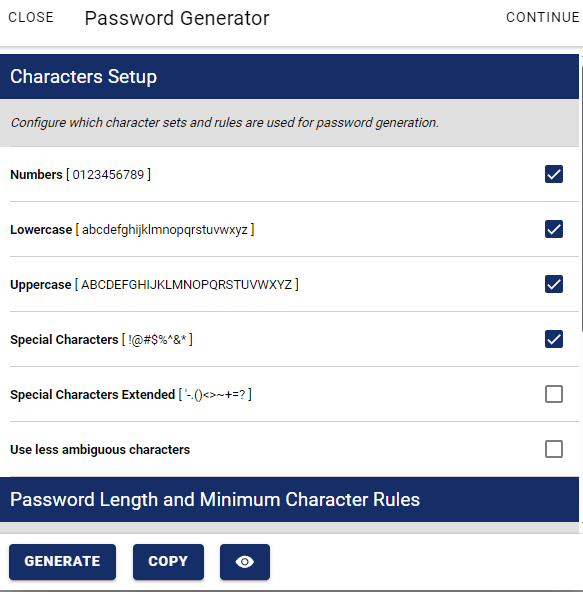
Stop Reusing Passwords. Start Generating Strong Ones.
Create long, complex, random passwords in seconds. Customize length and character types. For scenarios where you need the same password across sessions, our unique Picture Keypad feature generates a recallable password from a photo and a PIN.
- Standard generator with configurable length and complexity
- Picture Keypad generates up to 512-character recallable passwords
- Available directly inside Microsoft Teams or the web app
Built for businesses of every size
Whether you're a growing startup or an enterprise IT department, DBit scales to match your needs.
Small Business & Startups
Get secure password management up and running in minutes. No IT department required. Share credentials safely with your growing team from day one — and start with a free plan.
Free & Business PlansMid-Size Teams
Manage passwords across departments with shared vaults, group-based permissions, and a web app for access outside Teams. One tool, consistent access control across your organization.
Business PlanEnterprise
Single Sign-On with Microsoft Teams and Azure Active Directory. Enterprise policies for password complexity, sharing, and import/export controls.
Enterprise PlanSecurity you can trust. Not just claim.
Every layer of DBit is designed to keep your credentials safe — even from us.
AES-256 Encryption
Your passwords are encrypted on your device before being stored. We never have access to your unencrypted data.
Public / Private RSA Keys
RSA key pairs ensure that shared vault data can only be decrypted by authorized recipients.
Two-Factor Authentication
Protect accounts with TOTP-based 2FA using Microsoft Authenticator or Google Authenticator.
PBKDF2 Key Derivation
Makes brute-force attacks computationally expensive. Your master password is never stored or transmitted in plain text.
Your team's passwords deserve better than a sticky note.
Get started with DBit in minutes. Free plan available. No credit card required for your 30-day trial.
Questions? Contact our team